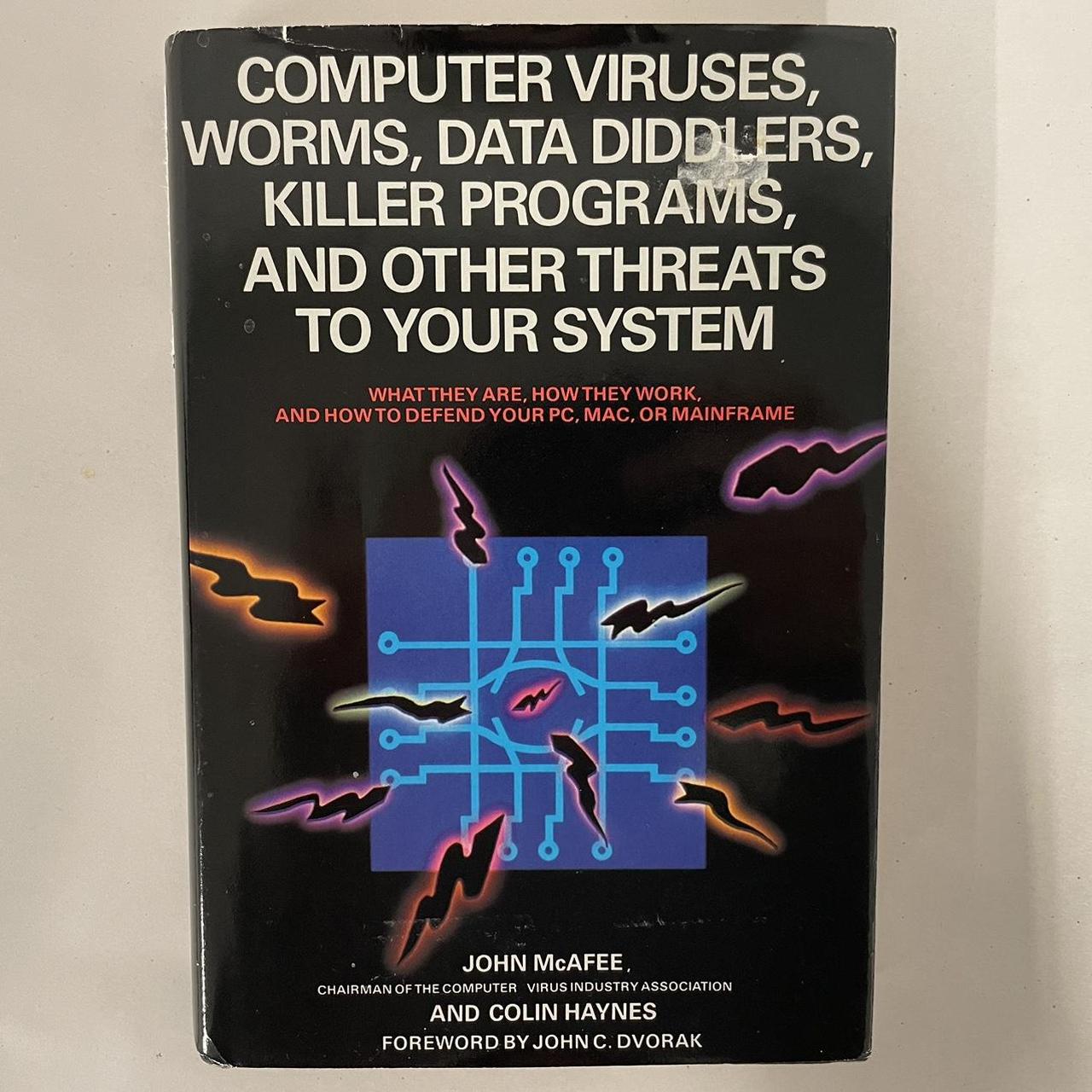
The "computer killer" myth refers to the widespread misconception that specific files, executable commands, malicious wallpapers, or particular website links possess the magical ability to permanently fry a computer's physical hardware simply by being opened or viewed. In reality, while malicious code can compromise operating systems, corrupt data, or install ransomware, standard software operating within standard user permissions cannot physically destroy internal components like processors, motherboards, or power supplies.
Understanding this distinction is vital for modern cybersecurity awareness, system administration, and personal computing confidence. This examination explores the origins of these digital urban legends, the boundary between software execution and hardware physics, and why modern computing architecture makes total hardware destruction via remote digital payloads extraordinarily rare.
The Origins of Digital Urban Legends
Myths regarding catastrophic hardware damage have accompanied the evolution of personal computing for decades. Long before the internet became ubiquitous, computer users traded cautionary tales through bulletin board systems (BBS), early email chains, and localized tech support forums.
Early Precedents and the VHS Parallels
Many early computer myths borrowed heavily from older media urban legends. Stories of VHS tapes that could allegedly trigger epileptic seizures or erase television components paved the way for digital equivalents. In the late 1990s and early 2000s, emails frequently circulated warning users about specific image files, joke programs, or harmless text strings.
These warnings often claimed that opening a file named after a popular cartoon character or a sensational news headline would instantly format the hard drive or melt the central processing unit (CPU). These narratives persisted because early operating systems, such as MS-DOS and early iterations of Windows, offered users unconstrained access to system files, making accidental software corruption a genuine risk. Consequently, users conflated data erasure with physical hardware destruction.
Psychological Appeal of the Invisible Threat
The persistence of the computer killer myth relies heavily on the psychological fear of the unknown. To the average user, a computer functions as a complex, opaque black box. When a system crashes unexpectedly, exhibits erratic behavior, or suffers a sudden hardware failure due to natural wear and tear, users naturally seek a tangible cause.
Attributing a sudden motherboard failure to a malicious file opened an hour prior offers a neat, albeit incorrect, narrative resolution. This phenomenon mirrors historical anxieties surrounding new technologies, where complex mechanisms are frequently imbued with mysterious, destructive capabilities.
Software Limitations vs. Hardware Physics
To understand why a standard piece of software cannot simply "kill" a computer, one must examine the physical separation between application layers and hardware components.
The Role of Operating Systems and Drivers
Modern operating systems (such as Windows, macOS, and Linux) act as intermediaries between software applications and physical hardware. Applications do not directly manipulate voltage regulators, fan speeds, or clock multipliers. Instead, they must submit requests to the operating system kernel.
The kernel and device drivers enforce strict boundaries. If an application attempts an unauthorized operation—such as accessing restricted memory addresses or commanding a hardware component to operate outside safe tolerances—the operating system intercepts the request and terminates the offending process with a crash or error message.
Hardware-Level Safeguards and Thermal Limits
Physical hardware components are engineered with built-in, autonomous self-protection mechanisms that operate independently of the operating system.
- Thermal Throttling and Shutdown: CPUs and Graphics Processing Units (GPUs) feature internal thermal diodes. If silicon temperatures exceed safe thresholds (typically between 100°C and 105°C), the processor automatically reduces its clock speed or initiates a hard shutdown to prevent permanent thermal degradation.
- Voltage Regulation Modules (VRMs): Power delivery to sensitive components is managed by dedicated hardware controllers on the motherboard. These controllers regulate voltage spikes and dropouts, isolating the silicon from erratic software commands.
- Capacitor and Fuse Protections: Power supply units (PSUs) and motherboards incorporate physical fuses and circuit breakers that trip in the event of severe electrical shorts or overcurrent conditions, cutting power before components can melt or catch fire.
| Component | Primary Protection Mechanism | Software Override Possible? |
|---|---|---|
| CPU / GPU | Thermal throttling, automated shutdown diodes | No (controlled by integrated silicon firmware) |
| Storage (SSD/HDD) | Controller firmware write-protection | No (firmware restricts low-level hardware destruction) |
| Power Supply Unit | Over-Current Protection (OCP), Short-Circuit Protection (SCP) | No (independent analog/digital circuitry) |
| Motherboard | Voltage Regulation Modules (VRMs), physical fuses | No (hardware-level power gating) |
Real Vulnerabilities vs. Mythical Capabilities
While the myth of instant, magical hardware destruction is false, real threats exist that can cause severe logical damage or, in extreme historical edge cases, exploit specific hardware flaws. It is important to separate scaremongering from genuine technical vulnerabilities.
Firmware Corruption and Flashing Attacks
The most common vector for permanent software-induced failure involves Unified Extensible Firmware Interface (UEFI) or Basic Input/Output System (BIOS) corruption. Motherboards rely on non-volatile flash memory to store the foundational code required to boot the system.
If a sophisticated malware strain manages to obtain kernel-level privileges, it can attempt to overwrite the flash memory with garbage data. If the flashing process is interrupted or completed with corrupted data, the motherboard becomes unbootable—a state colloquially known as "bricking."
However, "bricking" does not mean the silicon is physically melted or destroyed; the physical chips remain intact. Recovery is often possible through hardware-level flashing tools, replacement of the BIOS chip, or utilizing motherboard features like dual-BIOS or USB Flashback.
Historical Hardware Exploits
There are rare, documented exceptions where software or malicious configurations pushed hardware past safe physical limits before modern safeguards matured:
- The CIH Virus (Chernobyl Virus): Active in 1999, the CIH virus attempted to overwrite the contents of the system's flash BIOS and corrupt hard drive partition tables. While it successfully rendered millions of systems unbootable, requiring physical replacement or reprogramming of the BIOS chip, it did not cause thermal explosions or physically melt processor dies.
- Overclocking Abuse: Unauthorized or extreme overclocking scripts can manually adjust voltages and multipliers beyond manufacturer specifications. While software utilities (like MSI Afterburner or proprietary BIOS tools) can facilitate this, modern hardware protections generally prevent software from setting destructive values unless user-level safety locks are deliberately disabled by an experienced administrator.
Common Misconceptions and Troubleshooting Real Failures
When a computer suddenly dies, users often blame mysterious digital entities when the actual culprit is mundane hardware degradation or environmental factors.
The Coincidence Fallacy
Hardware components possess finite lifespans. Capacitors dry out, solder joints crack due to thermal expansion cycles, and mechanical hard drives suffer bearing failures.
If a computer experiences a catastrophic power supply failure precisely at the moment a user clicks an unfamiliar link or downloads a dubious file, human psychology connects the two events. In reality, the hardware failure was likely an impending mechanical or electrical fault that manifested coincidentally during that specific browser session.
Static Electricity and Power Surges
Environmental factors are frequent, silent killers of computer hardware. An invisible electrostatic discharge (ESD) from a carpeted floor can permanently destroy a motherboard pathway in a nanosecond. Similarly, transient voltage surges from local electrical grids can bypass degraded surge protectors and fry internal components. Users witnessing these sudden failures often misattribute the damage to malicious software or malicious web pages.
Frequently Asked Questions
Can a virus physically melt my computer processor?
No. Modern central processing units and graphics cards feature hardware-level thermal sensors and automated shut-off mechanisms. If a system reaches critical temperatures, the hardware cuts power independently of the operating system long before physical melting can occur.
What does "bricking" a computer mean?
Bricking refers to rendering a device completely inoperable, usually due to corrupted firmware or interrupted BIOS updates. The term implies the device is now as useful as a paperweight (a brick). While the hardware is non-functional, the physical components are rarely destroyed; they simply lack the operational code required to start.
Can opening an email attachment destroy my hard drive?
No standard email attachment can physically destroy a hard drive. Malicious attachments can execute ransomware, encrypt personal files, or steal data, but they cannot command the drive read/write heads to physically self-destruct or alter drive mechanics beyond standard software manipulation.
Why do urban legends about computer-killing files persist?
These myths persist because computers are complex, and sudden hardware failures are stressful. Blaming a mysterious file provides an immediate, easily understood narrative explanation for a confusing technical failure, fueled by historical anxieties and sensationalized media reporting.
Is it possible for a website to fry my hardware?
No. Web browsers run inside heavily sandboxed environments designed to restrict code from accessing underlying operating system kernels or hardware controllers. While a poorly coded script can cause a browser tab to freeze, consume high CPU resources, or trigger memory leaks, it cannot manipulate hardware voltage or cause physical damage.
Conclusion and Practical Guidance
The "computer killer" myth conflates the very real dangers of malware, data theft, and ransomware with physical hardware destruction. While malicious software can compromise your data, lock your files, or corrupt system firmware, it cannot bypass the physical and logical safeguards built into modern computing architecture.
To maintain system integrity and peace of mind, focus on practical cybersecurity hygiene: maintain robust, offline backups, keep your operating system and firmware updated through official vendor channels, utilize reputable antivirus software, and ensure your system is plugged into a quality surge protector. When unexpected hardware failures occur, consult diagnostic error codes or professional technicians rather than suspecting a digital phantom.
Image Gallery
Select an image to open it in a new tab.

Tristan Lowe
Career and Commerce Analyst
